
Your website works every hour of every day. The question is whether it works for you or against you. Here are five signs your website is costing you customers.
Short version
Slow pages, a bad phone layout, no clear button, old design and falling rankings all push customers away. Fix them without losing the rankings you already have.
Five signs your website is costing you customers
1. It loads slowly
People leave a slow page before it finishes. Every extra second costs you calls. Test your own site free with Google PageSpeed Insights or our website health check, and read what Google measures in its Core Web Vitals guide. If you are not sure what a good result looks like, see what is a good PageSpeed score.
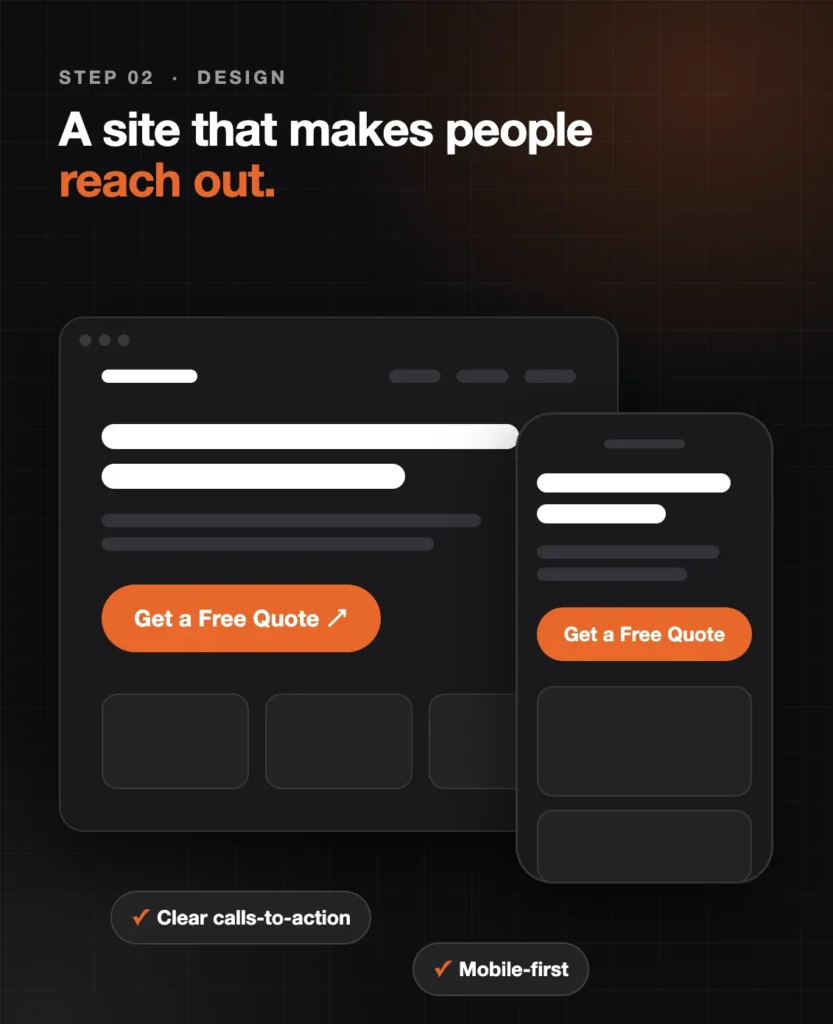
2. It is hard to use on a phone
Tiny text, pinched menus and buttons you miss. Most of your visitors are on a phone, and Google agrees it matters: Google says it uses the mobile version of your site for indexing and ranking. If your phone page hides content or has less than the desktop page, you can lose both customers and rankings.
3. Nobody knows what to do next
One clear button beats ten links. Make the next step obvious: call, book, or ask for a quote. Look at your home page for five seconds. If you cannot say what to click, neither can a visitor.
4. It looks like 2015
Visitors judge your business in seconds. An old design says the business is old too. Dated photos, crowded pages and missing reviews make a careful customer pick the next business on the list.
5. Your rankings are slipping
Search engines reward fast, clear, mobile-friendly sites. Yours may be falling behind. If you have never connected Search Console, start with how to add your website to Google Search Console so you can see what is changing, and read why your website is not getting traffic.
A 10-minute check you can do today
- Open your site on your own phone, on mobile data, not Wi-Fi.
- Time how long until you can read the headline and tap a button.
- Try to call, book or send a message the way a customer would.
- Run the page through a free speed test and note the main problems.
- Search your business name and your main service in your city, and note where you show up.
Write down what annoyed you. That list is the start of your fix list, and it is free.
Fix it or rebuild it?
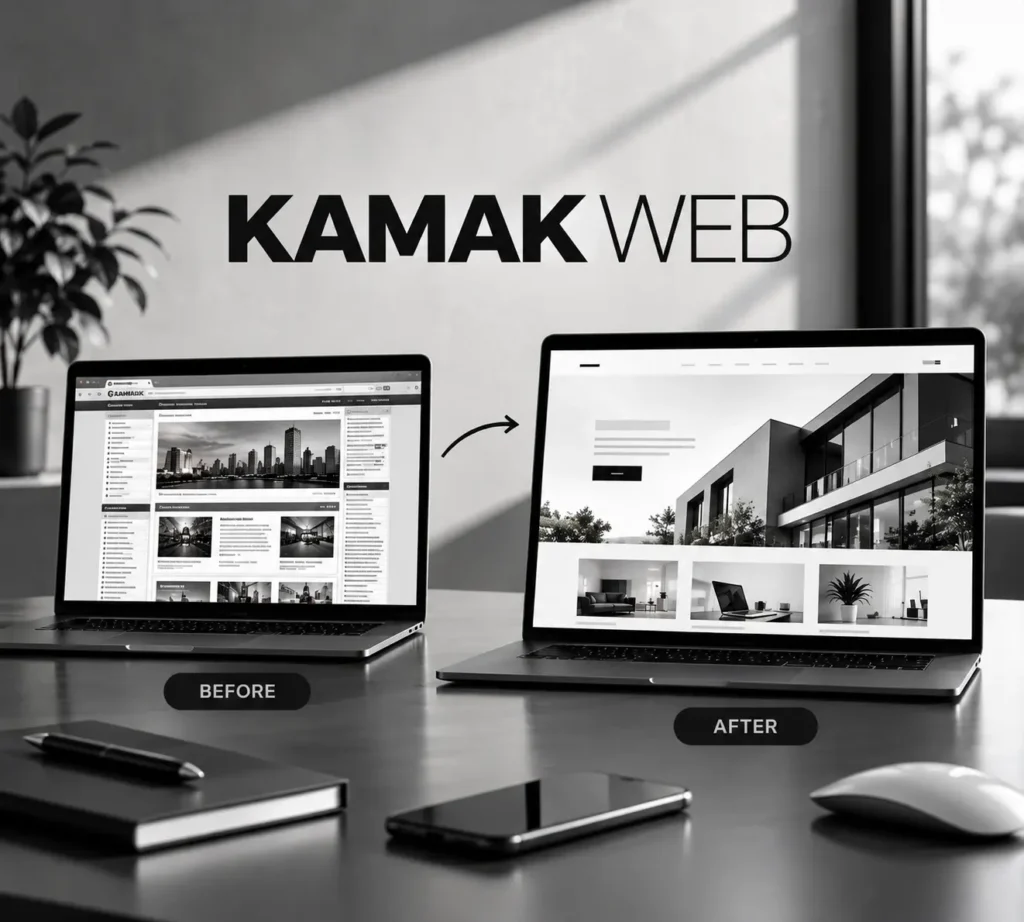
Not every problem needs a new site. Slow images, a missing button or a weak phone menu can often be fixed on the site you have. A rebuild makes sense when the design is dated, the pages are hard to edit, or the site cannot be made fast. To compare the costs, read what a website redesign costs a small business and what drives website cost in Los Angeles.
The big risk: redesigning and losing your rankings
A redesign done badly can wipe out years of Google rankings. The fix is a plan: a list of every old page, redirects to the new ones, and a check after launch. We cover every step in our website redesign SEO checklist.
How we redesign at Kamak Web
We start with a free review of your current site, then rebuild it to be fast, modern and easy to use, with your rankings protected. See our website redesign in Los Angeles.
Quick answers
Will I lose my Google rankings?
Not if the redirects and page map are done right. That is the first thing we plan.
How long does a redesign take?
It depends on the size of the site. We give you a written timeline before we start.
How do I know if my website is slow?
Test it on your phone and run a free speed test. If you wait to read the page or the buttons jump around, it is costing you visitors.
Do I need a new website or just a few fixes?
Often a few fixes are enough. Send us your address and we will tell you in the free review which one you need.
Related service
Want help with this? See our Website Redesign page for plans and pricing, or get a free quote.